
What Is a Court Docket in Fort Bend County
A docket is the event log for a single case. Each line marks something that happened: a filing, a hearing, a setting, a motion, or a signed order. Fort Bend County uses the term in two ways. One is the case docket, also called the Register of Actions, which lists every event in that file. The other is the court calendar, the list of cases a judge will hear on a given day. Both are public for most cases, and both come from the same Tyler Public Access system.
The docket is not the full case record. It tells you what happened and when, but it does not always include the text of each document. A full file holds the petitions, motions, exhibits, and orders. The docket points you to them. District courts run the felony, family, and large civil dockets. County courts at law run misdemeanor, probate, and smaller civil dockets. For the documents behind the entries, the Fort Bend County court records page covers the next step.
The county runs ten district courts and six county courts at law, all at the Justice Center in Richmond. Each keeps its own calendar. The 387th District Court, for example, is a family-law court that hears divorce, custody, and protective-order settings. The probate courts at law set their own hearing days. Because the courts share the Tyler system, one search reaches across them once you pick the right category.
How to Find Fort Bend County Dockets Online
The fastest route is the Tyler Public Access portal at tylerpaw.fortbendcountytx.gov. It opens with the location set to Fort Bend and lists four search types, including a Court Calendar search. The County Clerk Online Record Search page reaches the same system. If you know the case, search the case docket. If you only know the day, use the Court Calendar.
- Open the Fort Bend County homepage and select County Records Research.
- On the Tyler Public Access landing page, pick a category such as Criminal, Civil and Family, or Court Calendar.
- Search by case number, party name, attorney, or the date the case was filed.
- Click the blue case number to open the Register of Actions and read the docket entries.
If you do not know which district court holds a case, the District Courts office can help with court assignment by phone at 281-341-4509. The county courts page links each court's own page.
The date field on the search trips up many people. The county PDFs label it as the date the case was filed, not the date of a hearing. To find an upcoming court date, open the case first, then read the Court Calendar or the latest setting in the Register of Actions. If you only know a name, search by party name and match the result to the right person before you trust a date.
Language help is free at Fort Bend County hearings. The district courts and county courts at law provide no-cost interpretation and document translation for people who have trouble communicating in English. If you need that help for a setting on the docket, ask the court ahead of time.
Sample Fort Bend County Docket Entry
The county's search instructions say the Register of Actions shows party information, Events and Orders of the Court, and Financial Information. The Events and Orders section is the docket itself. Each entry carries a date and a short description of what happened. The table below shows the parts of a typical docket line.
| Field | What It Shows |
|---|---|
| Entry Date | The date the event was recorded on the case. |
| Event Type | The kind of event, such as a hearing, motion, setting, or order. |
| Party Filing | Which side filed the document or asked for the action. |
| Document Link | A link or note pointing to the filed paper, where the file is public. |
Financial Information sits alongside the docket and may list court costs, fines, fees, or balances. A blank disposition does not always mean the case is open, so confirm the status with the clerk if it matters.
Events and Orders is a stream of activity, not a folder of full documents. A line might read that a motion was filed, a setting was reset, or an order was signed, without showing the document text itself. For the actual paper, you open the linked filing where it is public, or you request a copy from the clerk. Reading the docket top to bottom shows the path a case took, from the first filing to the last order, which is often enough to answer where a case stands.
Courts That Publish Dockets in Fort Bend County
Most Fort Bend County trial courts feed the Tyler Public Access calendar. The district courts and county courts at law post case events online. Justice of the peace and municipal courts handle their own traffic and small-claims dockets, and some are reached through each court's own page rather than the main portal. Appeals move into the Texas appellate system, which keeps separate calendars.
- District Courts: felony, family, and large civil dockets at the Justice Center.
- County Courts at Law: misdemeanor, probate, guardianship, and smaller civil dockets.
- Justice of the Peace Courts: small claims, evictions, and fine-only traffic, often by precinct.
- Texas Courts of Appeals: appellate calendars for cases that leave the county.
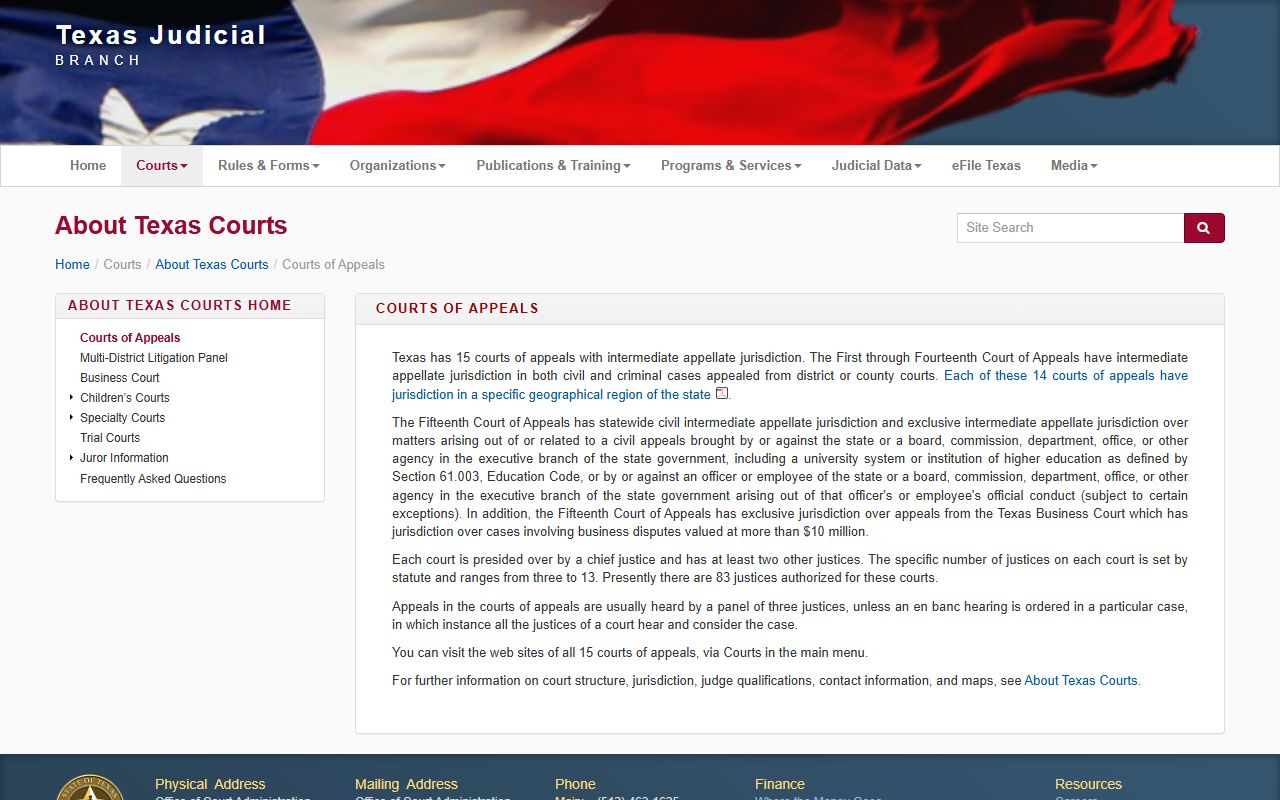
Appeals from Fort Bend County district and county courts go to a regional court of appeals. The Texas Office of Court Administration explains how those courts post their own dockets and opinions on its courts of appeals overview.
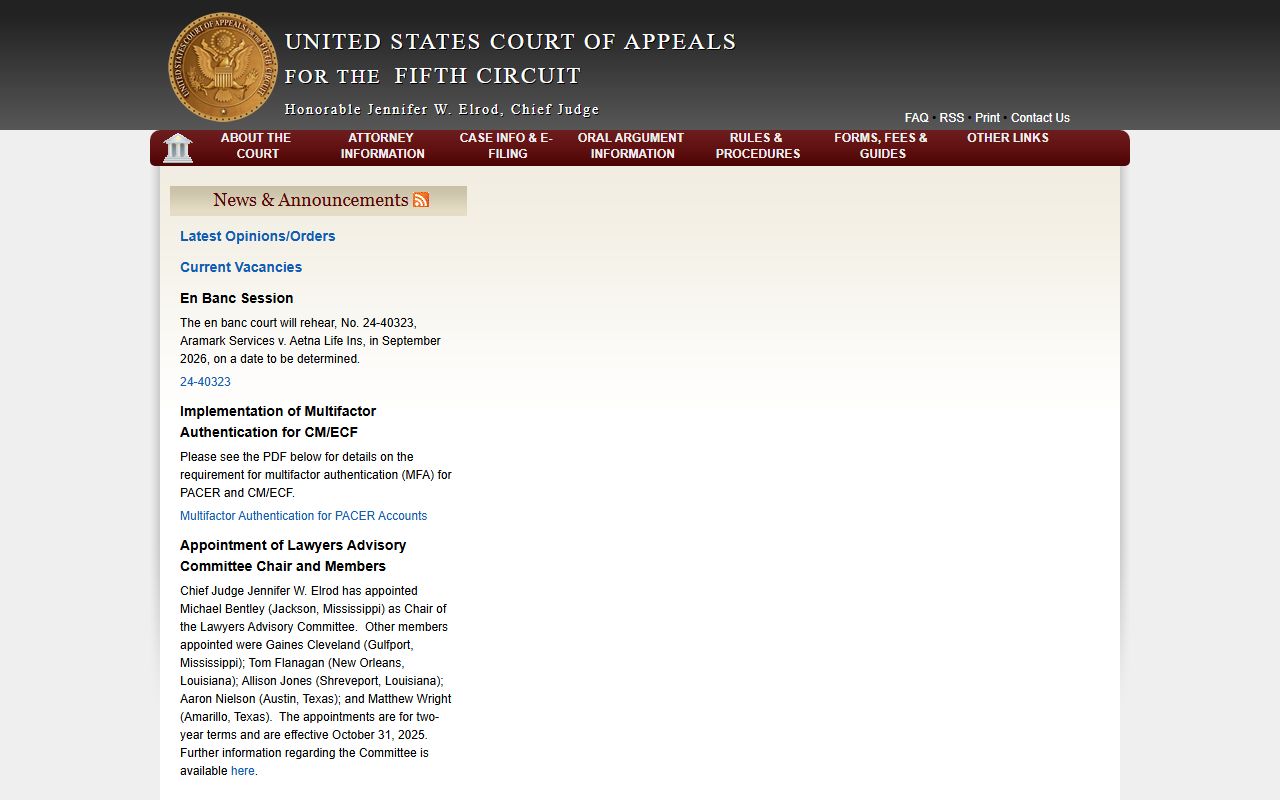
Federal cases tied to Fort Bend County run through the U.S. District Court for the Southern District of Texas and its appeals court. The U.S. Court of Appeals for the Fifth Circuit posts federal appellate dockets, which are separate from the county portal.
Federal dockets are searched through PACER, not the county system. Use the county portal only for Fort Bend County trial-court dockets. Bankruptcy and federal civil dockets sit with the federal courts, while a county divorce or probate docket stays in the county system. Matching the case to the right court level is the key to finding the docket fast.
Docket vs. Full Case Record
The docket is a list of events. The full case record is the stack of documents behind those events. People often want the docket to confirm a court date and the full file to read what a motion or order actually says. The table sets the two side by side.
| Docket | Full Case Record | |
|---|---|---|
| Format | List of dated entries | Full filed documents |
| Access | Often online and free | May require a fee or a visit |
| Use | Track case progress and settings | Legal review and certified copies |
For a certified copy of an order or judgment, you still go to the clerk. The docket points you to the document; the clerk certifies it for a fee. Plain copies run $1 per page, and certified copies add a $5 certification per document at the County Clerk. The District Clerk handles district-case copies, while the County Clerk handles county-court, misdemeanor, and probate copies.
How to Read a Fort Bend County Docket
Docket lines use shorthand. A case number tells you the court. DCR marks a district criminal case. CCR marks a county criminal case. Family and civil numbers carry a year and a court code. Common event words include Motion, a request to the judge; Setting, a scheduled hearing; Continuance, a postponement; and Order, the judge's written ruling.
Disposition is the word to watch. It is the final outcome, such as dismissed, convicted, acquitted, or judgment entered. A missed setting can trigger a capias or warrant, which would show as an event on the docket. If a defendant misses court, the warrant records page explains what comes next. For the meaning of a charge level or a jail code, the criminal records page breaks them down.
These docket terms come up again and again.
- Setting
- A scheduled hearing or court date on the calendar.
- Motion
- A written request asking the judge to rule on something.
- Order
- The judge's written ruling on a motion or the case.
- Continuance
- A postponement of a setting to a later date.
- Capias
- A pickup order issued after a missed appearance.